
Kodeclik Blog
How to add lines of space in Python Output
Have you ever struggled with making your Python console output more readable? Maybe you are displaying some game text, or perhaps you are formatting report outputs, and you wish to add extra lines to improve readability.
In this guide, we'll explore three simple yet effective methods to add line spaces in Python output. These techniques will help you transform cluttered console text into clean, professional-looking displays!
Method 1: Use empty print() statements
Conider the program:
The empty print() statement creates a single blank line between text outputs. This method is straightforward and readable, making it ideal for simple spacing needs. Each empty print() call adds one blank line because the print function automatically adds a newline character by default.
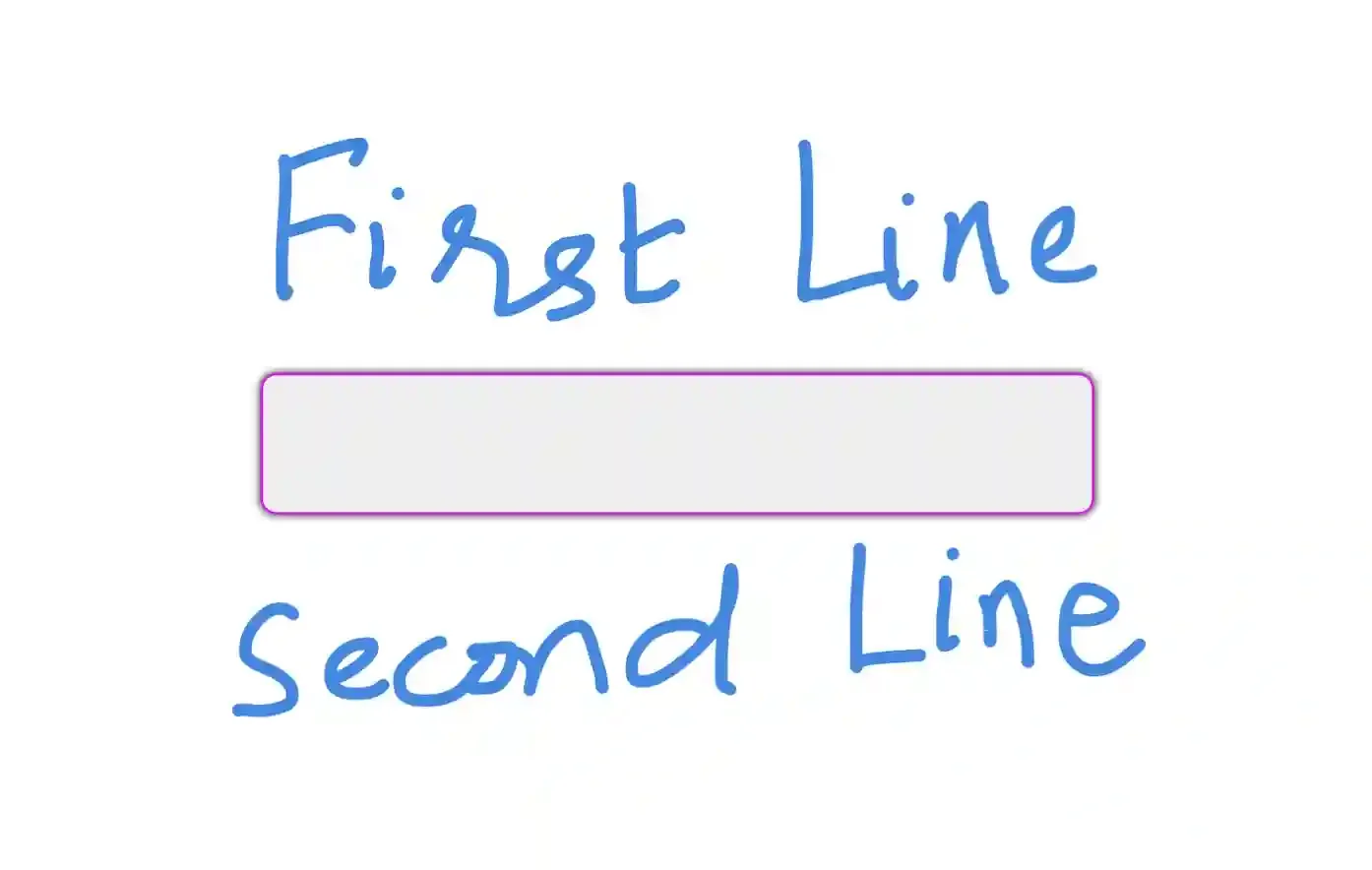
The output will be (notice the blank line between the first and second lines):
Method 2: Use the \n escape sequence
This approach is simpler:
The \n escape sequence creates a new line wherever it appears in the string. Using multiple \n characters in sequence creates multiple blank lines. This method is particularly useful when you need to embed line breaks within a single string. Each \n represents one line break, so \n\n creates two line breaks, resulting in one blank line between text.
The output is the same as before:
Method 3: Use print() with end parameter
Here is the third approach:
Using the end parameter in the print() function allows precise control over the spacing. By default, print() uses \n as the end parameter. So one “\n” is to move to the second line, but by explicitly setting end="\n\n", you are adding an extra blank line after the text. This method offers more flexibility in controlling the output format and is especially useful when you need different spacing patterns throughout your code.
When would you need to use multiple lines of space in your Python program’s output? Below are some situations for you to consider, with the programs followed by their output:
Menu Display
Note that the above program will actually output three blank lines because a print by default will give you one space plus we have two newline characters.
Report Sections
Game Text Output
Form Output
These examples demonstrate how strategic use of blank lines can improve user experience by creating visual hierarchy and making output more organized and easier to read5. The spacing helps separate different sections of information, create emphasis, or provide natural pauses in interactive applications.
Enjoy this blogpost? Want to learn Python with us? Sign up for 1:1 or small group classes.