
Kodeclik Blog
How to check if a number is between two numbers in JavaScript
Consider a simple Javascript program that has a month number in a variable and you desire to determine whether it is Winter (months 12,1,and 2), Spring (months 3-5), Summer (6-8), or Fall (9-11).
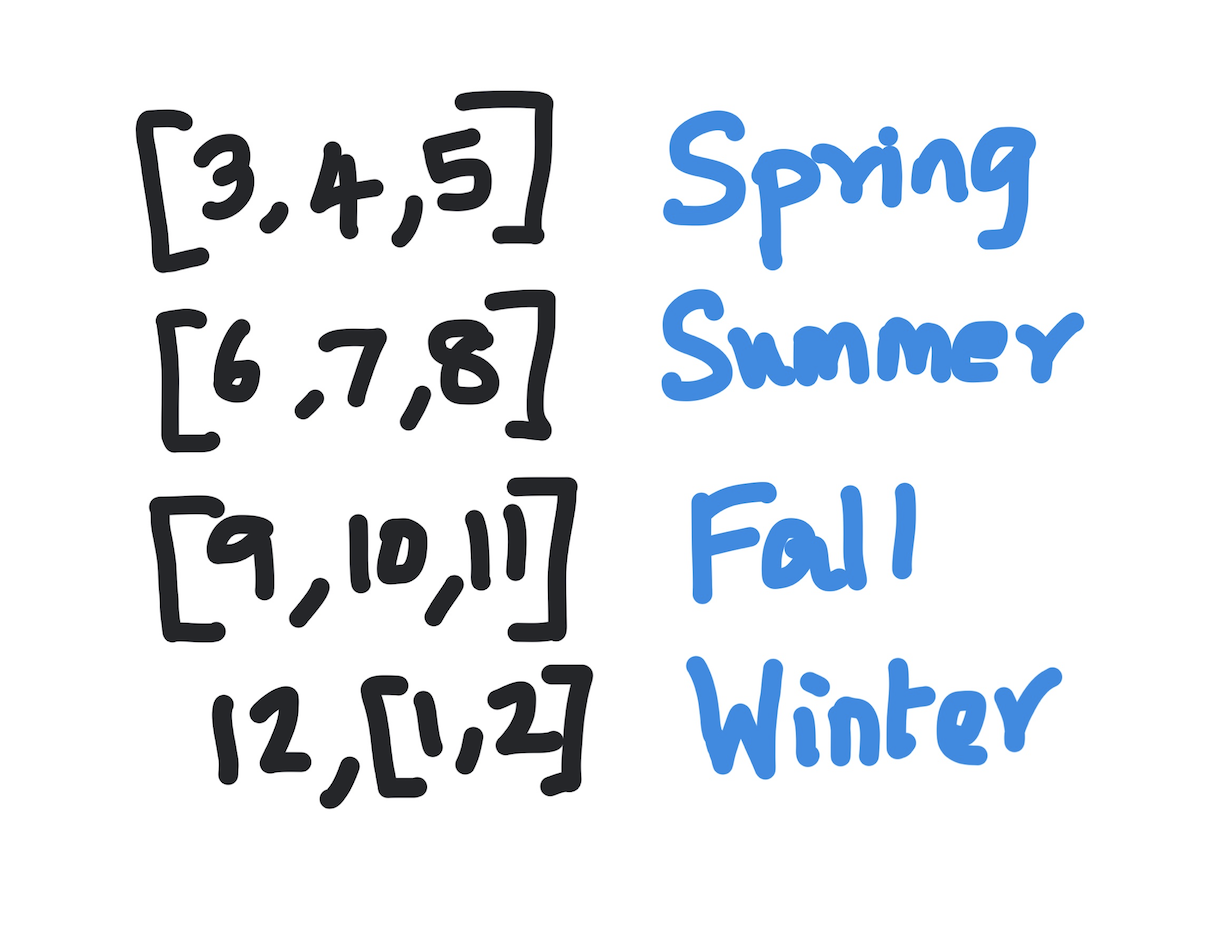
Let us first focus on determining if it is Spring. We write one condition to check if the value is greater than or equal to 3. We write a second condition to check if the value is less than or equal to 5. Finally we combine them with an and (&&) operator.
We will embed our Javascript code inside a HTML page like so:
<!DOCTYPE html>
<html>

<head>
  <meta charset="utf-8">
  <meta name="viewport" content="width=device-width">
  <title>Javascript code example</title>
</head>

<body>
  <script>
  </script>
</body>


</html>
In the above HTML page you see the basic elements of the page like the head element containing the title (“Javascript code example”) and a body with an empty script tag. The Javascript code goes inside these tags.
Here is some basic code to check if a given month falls within the Spring bracket:
<script>
const month = 4;

if (month >=3 && month <= 5) {
  document.write('It is Spring!')
  document.write('<BR>')
} else {
  document.write('Waiting for Spring...')
  document.write('<BR>')
}
</script>
The output will be:
It is Spring!If you change the month variable to 8, for instance, you will get:
Waiting for Spring…Let us expand the code to cover the other seasons. Summer and Fall are similar in format to the above code blocks. We use the “else” condition to trap for Winter because it involves a non-contiguous set of months.
<script>
const month = 9;

if (month >=3 && month <= 5) {
  document.write('It is Spring!')
  document.write('<BR>')
} else if (month >= 6 && month <= 8) {
  document.write('It is Summer - Yay!')
  document.write('<BR>')
} else if (month >= 9 && month <= 11) {
  document.write('Fall is here!')
  document.write('<BR>')
} else {
  document.write('Winter!! BRR!!')
  document.write('<BR>')
}
</script>
An advantage of the above way of checking if a value is in between a given range is that the && operator “short circuits”, i.e., if the first condition is not met then the second condition is not evaluated because there is no way for the overall AND expression to be true if one of them evaluates to false.
Interested in more Javascript tidbits? Checkout our blog post on Javascript exponentiation operators.
Want to learn Javascript with us? Sign up for 1:1 or small group classes.