

About
Kodeclik is an online coding academy for kids and teens to learn real world programming. Kids are introduced to coding in a fun and exciting way and are challeged to higher levels with engaging, high quality content.
Popular Classes
Scratch Coding
Minecraft Coding
TinkerCAD
Roblox Studio
Python for Kids
Javascript for Kids
Pre-Algebra
Geometry for Kids
Copyright @ Kodeclik 2025. All rights reserved.
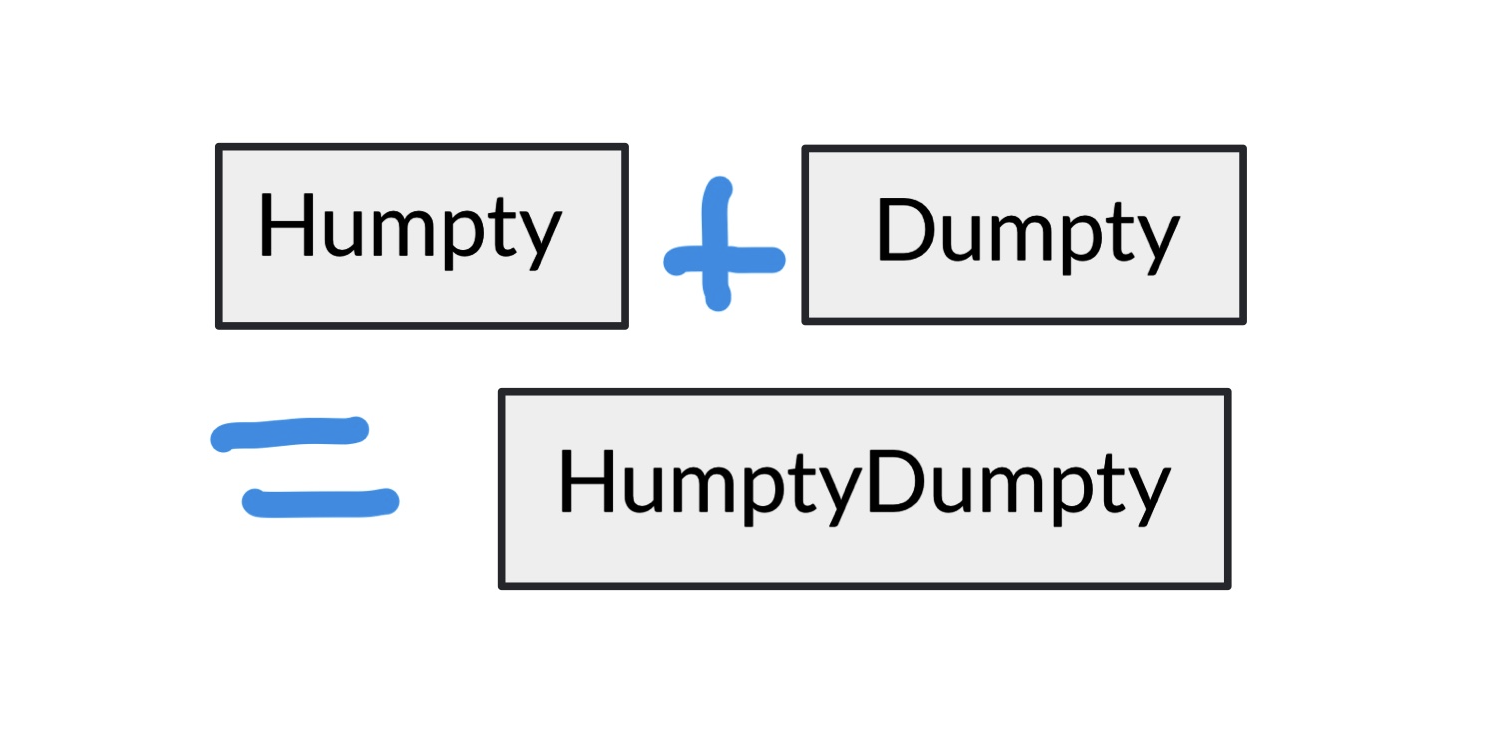
Python concatenation of strings refers to the merging of two or more strings, one after the other. The dictionary defines “concatenation” as the action of linking things together in a series. For instance, the concatenation of strings “Humpty” and “Dumpty” is “HumptyDumpty”. The easiest way to do concatenation in Python is to use the “+” operator.
Consider the following simple program:
It outputs as expected:
Note that there are no spaces between the two strings. If you need a space, you can do:
This produces:
The above code is an example of overloading in action. Recall that “+” means addition when applied to integers (or floats) but when applied to strings it means concatenation. This is why the following code will not work.
It outputs:
You can typecast the integer to string like so:
This will output:
You can also concatenate newline characters to create multiline strings:
This outputs:
The second way to do string concatenation is using the join() method. The join() method takes an iterable (e.g., a list) and returns the elements of the iterable interspersed with a given character or set of characters.
Here is the same example as above but concatenated using join():
As you can see join is applied as a method over the string “ “ (1 empty space). It takes as arguments a list containing the strings, in this case the strings “Humpty” and “Dumpty”.
You can also join() using other characters, eg:
This yields:
Doing a join() with an empty string, like:
yields:
Finally, join() can be applied to longer strings, not just single characters, like so:
This gives:
The format() function is a very versatile way to print strings in Python and can thus be used for string concatenation as well. The format function is applied on a template and takes as arguments substitutions for the placeholders in the template. Here is the same Humpty Dumpty example realized using the format() function:
This produces as expected:
Each of the curly braces denotes one placeholder and therefore format must use as many arguments as there are placeholders. If you do:
You will get an error such as:
indicating that there are 3 arguments and index 2 (i.e., the 3rd argument) is out of range in the provided statement.
format() is a very versatile function and you can pass not just strings but also numbers, like so:
This produces:
The final way to do string concatenation in Python is using the % operator. It is actually similar to the format() function in that it is designed to format strings. Here is our Humpty Dumpty example again:
The output is:
The “%s” denote string formatting. If you wanted to print a number, you will use “%d”. For instance:
This yields:
Note that Python is very strict about the order of arguments and the order in which they are used in the string template. If you mix them up:
You get an error:
implying that Python is unable to convert the third argument (string2) into the required integer (%d).
On the other hand, if you do:
You get:
implying Python has treated the two arguments as strings.
We have learnt how versatile Python is as a language providing many ways to do string concatenation. Depending on your needs one or more of these methods is better. If you just want to concatenate 2 or 3 strings, the “+” operator is easiest. If the strings you would like to concatenate are part of a list or if the interspersing character is more complicated, the join is convenient. If you have important formatting and pretty printing needs, format() or the % operator is the best.
For more coverage of concatenation, see our blogpost on how to concatenate a string to an integer in Python.
Interested in more things Python? Learn about another string method, viz. Python startswith and how to remove the last character from a Python string. See our blogpost on Python's enumerate() capability. Also if you like Python+math content, see our blogpost on Magic Squares. Finally, master the Python print function!
Want to learn Python with us? Sign up for 1:1 or small group classes.
string1 = "Humpty"
string2 = "Dumpty"
print(string1+string2)HumptyDumptystring1 = "Humpty"
string2 = "Dumpty"
print(string1 + " " + string2)Humpty Dumptystring1 = "Humpty"
string2 = "Dumpty"
print(string1 + " " + string2 + 1)Traceback (most recent call last):
File "main.py", line 3, in <module>
print(string1 + " " + string2 + 1)
TypeError: can only concatenate str (not "int") to strstring1 = "Humpty"
string2 = "Dumpty"
print(string1 + " " + string2 + str(1))Humpty Dumpty1string1 = "Humpty"
string2 = "Dumpty"
print(string1 + " " + string2 + "\\n" + "had a great fall!")Humpty Dumpty
had a great fall!string1 = "Humpty"
string2 = "Dumpty"
print(" ".join([string1,string2]))string1 = "Humpty"
string2 = "Dumpty"
print("-".join([string1,string2]))Humpty-Dumptystring1 = "Humpty"
string2 = "Dumpty"
print("".join([string1,string2]))HumptyDumptystring1 = "Humpty"
string2 = "Dumpty"
print(" is a ".join([string1,string2]))Humpty is a Dumptystring1 = "Humpty"
string2 = "Dumpty"
print("{} {}".format(string1,string2))Humpty Dumptystring1 = "Humpty"
string2 = "Dumpty"
print("{} {} {}".format(string1,string2))Traceback (most recent call last):
File "main.py", line 3, in <module>
print("{} {} {}".format(string1,string2))
IndexError: Replacement index 2 out of range for positional args tuplestring1 = "Humpty"
string2 = "Dumpty"
print("{} {} is {} years old.".format(string1,string2,6))Humpty Dumpty is 6 years old.string1 = "Humpty"
string2 = "Dumpty"
print("%s %s" % (string1, string2))Humpty Dumptystring1 = "Humpty"
string2 = "Dumpty"
print("%s %s is %d years old." % (string1, string2,6))Humpty Dumpty is 6 years old.string1 = "Humpty"
string2 = "Dumpty"
print("%s %s is %d years old." % (6, string1, string2))Traceback (most recent call last):
File "main.py", line 3, in <module>
print("%s %s is %d years old." % (6, string1, string2))
TypeError: %d format: a number is required, not strstring1 = "Humpty"
string2 = "Dumpty"
print("%s %s years old." % (5, 6))5 6 years old.